After One Year of Operation, I Downgraded My FnOS NAS Host to an All-Flash Solution
In the middle of last year, I spent 270 yuan to buy a second-hand mini-host on the 8th-gen Intel platform and transformed it into a FnOS NAS. After a year of stable operation, I recently downgraded it to a single-card flash mode.
At that time, my mini-host configuration was: Intel i3-8300T + 16G DDR4 2400 + 1TB SSD + 2TB HDD x2 Raid 1 + 1 Gbps x 2
The installation plan was PVE installing FnOS (3C8G) + Ubuntu (1C4G) + iKuai (1C2G).
Connected via Cloudflare Tunnel, the main uses were as a soft router, backing up family photos and videos, and occasionally downloading movies to watch.
Insufficient Actual Demand
Before using FnOS NAS, I used Synology as the main data backup device at home for a long time. However, due to its old model and low CPU performance, it was not smooth to use. After switching to FnOS, there was indeed a qualitative improvement in daily use. Of course, this was largely a hardware upgrade, as the original Synology only had a 1GHz dual-core ARM processor plus 512MB of RAM.
I thought this "small steel cannon" that could fit into the low-voltage box could play a greater role, but perhaps I have passed the age of liking to "tinker." In fact, I rarely use it. For a long time after first importing photos from Synology into FnOS, it just sat quietly and stably in the low-voltage box. Occasionally, I would check Nezha Monitoring to see if it was still online. Other than that, during this nearly one year, I only downloaded and watched five or six movies. I haven't even backed up a photo once because I haven't changed my phone this year.
Conflict Between Security and Efficiency
In fact, a major reason why I used FnOS so little this year was security.
After I initially imported more than 10 years of photos and videos accumulated in my Synology NAS into FnOS, I discovered a major safety hazard. Because FnOS's album comes with an AI image recognition function that is much stronger than Synology's, many of my photos containing credit cards, IDs, and other personal information could be easily extracted.
Considering that the NAS needs to be connected to the internet, I chose the clunkiest method: using Cloudflare Tunnel plus Access control to specify an IP whitelist for access, and completely abandoned FnOS's built-in FN Connect networking function.
It turns out that this solution did play a role in ensuring security. When the high-risk vulnerability in FnOS's remote access function was exposed earlier this year, it did not affect me.
However, routing traffic through Cloudflare significantly reduced the speed, as data needs to take a long way around before coming back. Additionally, the 2.5-inch mechanical hard drive's response was a bit slow when reading 100,000+ photos in the FnOS album, making the daily user experience slightly less than ideal.
Low Storage Usage
Last year, when I transferred photos from Synology to FnOS, considering that the storage capacity of the 2TB hard drive was not large, I performed format conversion on the photos and videos before use. All photos were converted to WebP format, and videos were converted to H.265 encoding. During the process, duplicate files were also cleaned up. The final data volume was only 230 GB, which was 4 times smaller than before on Synology.
In fact, I have used the WebP format as my primary application solution for many years. Compared to the image quality difference that is hard to perceive with the naked eye, the savings in storage capacity and the improvement in transmission efficiency are more profound.
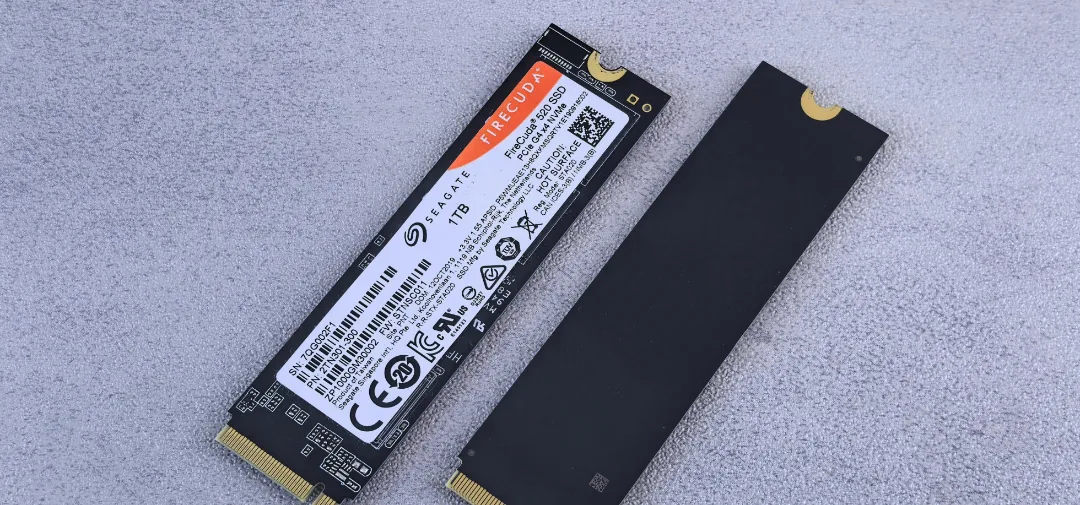
Coincidentally, I looked at the current storage status of FnOS. I originally allocated 800GB of SSD to FnOS, and less than 10% was actually used. So this time, I copied all the photos and videos stored in the two mechanical hard drives to the SSD, opened the host, and unplugged the power and SATA cables.
In this way, my FnOS NAS has become a single SSD flash solution.
Hard Drive Usage Risks
Compared with mechanical hard drives, the greatest risk of solid-state storage is total failure upon collapse. Considering that my FnOS system is already installed on the only solid-state drive in the host, and PVE is also on it, it actually makes no difference whether I store the photos on the SSD or the mechanical hard drive. Therefore, there is no psychological burden. On the contrary, with two fewer hard drives, I can save dozens of yuan in electricity bills a year. Meanwhile, photos and videos stored on the SSD provide faster access in daily use.